ManagingMilestones

Memories · Private event gallery

One QR code for the night. One place to come back to.

Memories collects the photos, short videos and wishes on everyone’s phones, then keeps them together in a private gallery for your event. No guest app. No group-chat scramble afterwards.

5 GB includedNo monthly feeMade in Australia

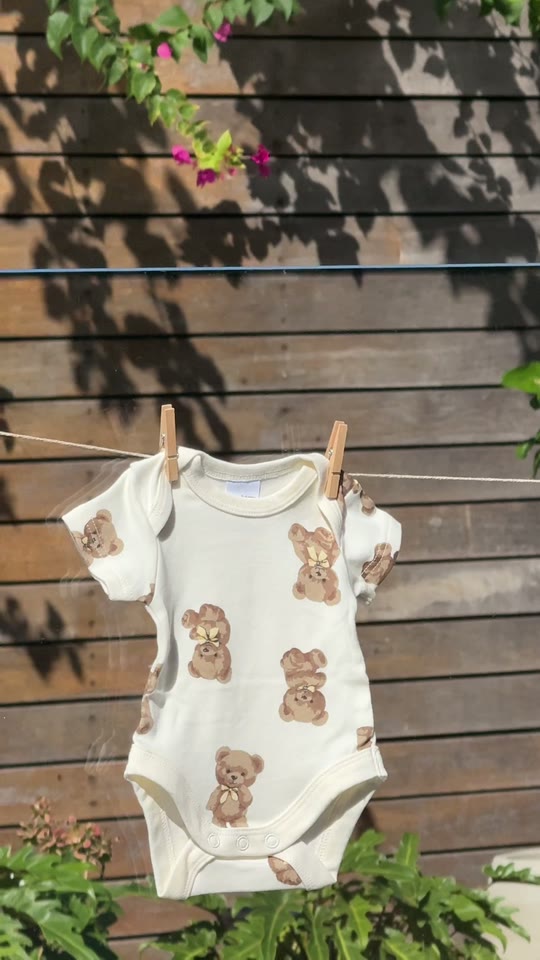
Jordan’s baby shower reel is ready to upload

A real baby-shower reel, shown moving from a guest’s phone into the event gallery.

01 · The simple answer

What is Memories?

Memories is QR code event photo sharing and a lasting private gallery in one.

On the day, guests scan or tap, add what they captured and see the gallery fill live. Afterwards, the same link holds the photos, videos and wishes together, ready for your people to revisit.

02 · The whole story

Built for the night. Kept for later.

A straightforward way to collect what everyone saw, without turning the result into another forgotten file folder.

During the event

Catch it while it is happening.

Put one QR code around the venue. Guests can take a photo, choose from their camera roll, upload a short video or leave a wish from their browser.

  • No app download or account registration
  • Real upload progress from a guest’s phone
  • New moments in the live gallery and slideshow
After the event

Keep a place everyone can return to.

Your event stays intact as one private gallery, with the candid photos, short videos and messages that would otherwise be spread across phones and group chats.

  • The same QR code and private link still work
  • Guests can watch, heart and save moments
  • Hosts can download originals and manage what is shown

03 · How it works

From camera roll to shared memory.

Four straightforward steps for the host and every guest in the room.

  1. 01

    Share one QR code

    Put it on a sign, place card or screen, or send the same private link before the event.

  2. 02

    Guests add what they saw

    They can take a photo, choose from their camera roll, upload a short video or leave a written wish.

  3. 03

    Watch it fill live

    New moments arrive in the gallery and can roll through the venue slideshow while the event is still happening.

  4. 04

    Come back afterwards

    Keep the event’s photos, videos and wishes together, ready for everyone you invite to revisit.

04 · What is included

Easy for guests. Useful for the host.

A warm guest experience on the front, with practical control behind it.

For guests

No app. No account.

The QR code opens straight in a phone browser. A first name is enough to start adding.

At the event

A live gallery and slideshow

See new photos, videos and wishes arrive while everyone is still together.

Afterwards

One private place to return to

The same event link brings your people back to the full story, without searching old group chats.

For the host

Originals, controls and storage

Download original files, moderate what is shown and use the 5 GB included across your account.

05 · Private by design

Your event. Your link. Your call.

Memories is an unlisted gallery reached through your event’s QR code or private link. You decide whether guests can see it, and you can hide an upload from the slideshow or remove it entirely.

Host visibility controlsRapid slideshow moderationOriginal file downloads5 GB included across your account

06 · Good to know

Questions about Memories.

Clear answers about QR codes, guest access, storage and what stays under your control.

01What is Memories?

Memories is a private photo, video and wishes gallery for your event. Guests scan your QR code or open your link, add what they captured, and return to the same gallery during and after the celebration.

02How does QR code event photo sharing work?

Share the QR code on a sign, place card or screen at your event. A guest scans it with their phone camera, enters their first name, then takes a photo or chooses photos and short videos from their camera roll. Their uploads appear in the gallery and live slideshow.

03Do guests need an app or an account?

No. Memories opens in the guest’s phone browser, with no app download or account registration. We ask for a first name so their photos, videos and wishes can be labelled in the gallery.

04Can guests upload videos and leave messages?

Yes. Guests can add photos, short videos and written wishes. They can also heart moments in the gallery, and wishes can appear between photos in the live slideshow.

05Can everyone come back to the gallery after the event?

Yes. Anyone you share the private link with can return while you keep the gallery visible. The QR code and link stay the same, so something printed for the event still leads back to the right place afterwards.

06How much Memories storage is included?

Every Managing Milestones account includes 5 GB shared across its events. If you need more, a one-time $59 upgrade increases the account total to 30 GB. There is no monthly subscription.

07Can I control what appears?

Yes. The host can hide an item from the slideshow, remove uploads, choose whether guests can see the gallery, and download the original files. The gallery is unlisted and reached through your event’s private QR code or link.
Ready when you are

Give this event somewhere to live afterwards.

Start free with 5 GB of Memories storage included across your account.

Start an event — free